
This page compiles resources for teachers, class handouts from library and learning centre classes and programmes and other learning resources.
Online courses
Among our many eResources there are several that provide online courses in topics such as languages and technology.
Mouse-ercise
Exercises designed to help you use your computer mouse more effectively. Start using Mouse-ercise.
Educational resources
Download:
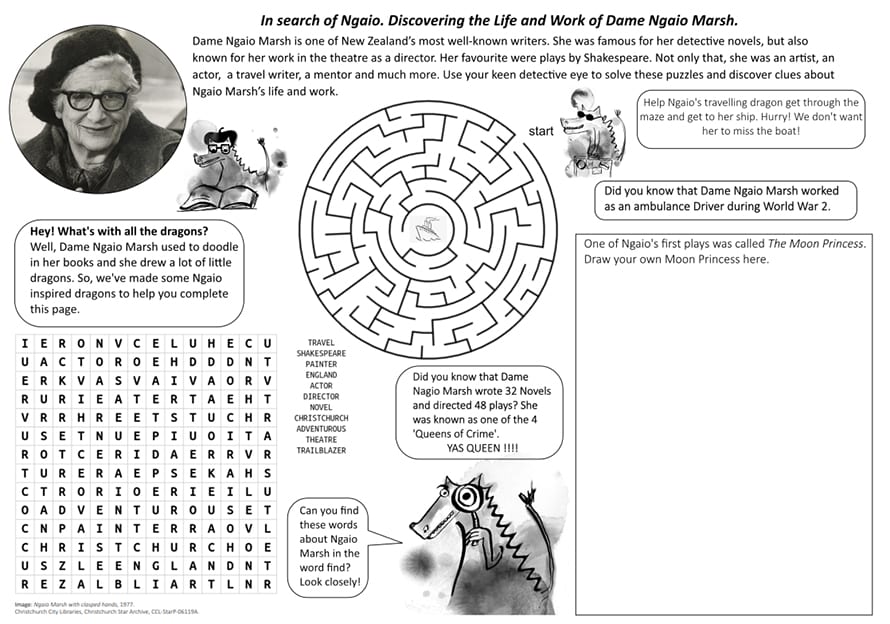
- In search of Ngaio: Discovering the life and work of Dame Ngaio Marsh education pack [1.63MB PDF]
- Ngaio Marsh worksheet [264KB PDF]
Matariki teachers’ resource
Christchurch City Libraries has created a Matariki learning resource pack for teachers of pupils in Years 1 to 8. Full of practical examples and ideas, this resource can be used to incorporate Matariki into subjects such as art, dance, English, science, social science and social studies.
Download the Matariki Teachers’ Resource pack [2MB PDF].
WW100 teaching resource
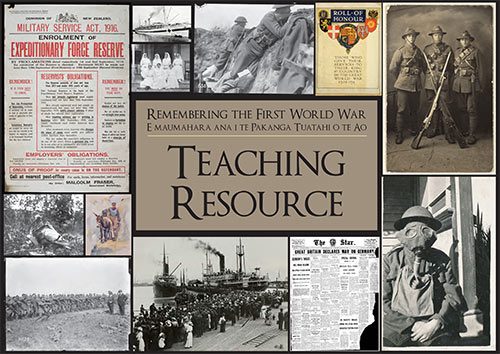
This teaching resource aims to raise awareness of the impacts and causes of the First World War. It is focused on Canterbury and Christchurch’s involvement with the war from 1914-1919 and highlights some of the resources available through Christchurch City Libraries. This pack has been designed to be used with Years 7-10 students with information that could easily be adapted for older students.
Download the Remembering the First World War Teaching Resource [35MB PDF].
Go to the WW100 Teaching Resource links index.
Internet Searching Lesson Plan
This is a technology based lesson which can be adapted to use for Years 2-6. This lesson plan aims to familiarise students with Information Literacy searching skills. We use the CCL website kids' section to search for information, then on to Google. Students will learn about keyword search terms to help improve their searching.
This lesson is focused on Early Canterbury Settlers but can be adapted for any topic. There is also a PowerPoint file to accompany the lesson plan.
- Beyond Google - Early Canterbury Lesson Plan [260KB PDF]
- Beyond Google - Early Canterbury Slideshow [530KB PDF]
Student resources
Te Whata Raki
Mā te kimi ka kite, mā te kite ka mōhio, mā te mōhio ka mārama!
Seek and discover, discover and know, know and become enlightened!
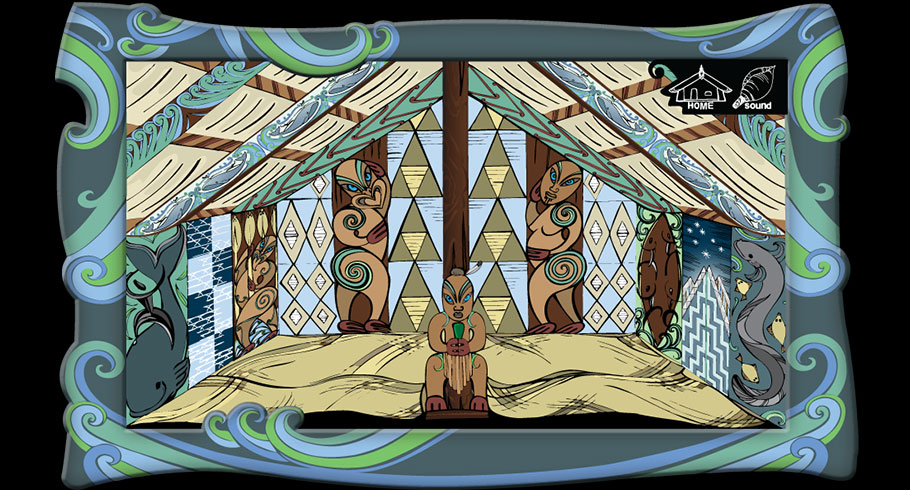
Come and discover the new world inside Te Whata Raki. Explore our online world with your guide, Whetu Marama. Learn some traditional stories, told through waiata, pictures and other web resources before trying out the quiz.
Te Whata Raki is bilingual and available as an app for iPad 2 and above and is available in the Google Play store for Android devices.
How to ...
See also our How to and FAQ for information about using various library tools and technologies.
How to use Gmail
This is a handout which accompanies a Beginning Computers course. It covers viewing messages, writing a new message, sent messages, deleting messages, using folders and general hints about email.
Download How to use Gmail [330KB PDF]
Email attachments
A handout which accompanies a computer course and it explains how to attach a file to an email. The email provider used as an example is Gmail.
Download Email Attachments [689KB PDF]
Using a USB drive
A handout which explains how to use a USB stick (pen drive).
Download Using a USB drive [74 KB PDF]
Mobile Printing Flowchart
Use this handy flowchart to understand Christchurch City Libraries' mobile printing service.
Download Mobile printing flowchart [83 KB PDF]
Internet Research Skills
This handout accompanies a Beyond Beginners computing course and covers why develop internet search skills, improving your search results and a glossary of search related terms.
Download Internet Research Skills [53 KB PDF]
Getting to know the iPad
This handout defines the physical parts of an iPad.
Download Getting to Know the iPad [286KB PDF]
In-built apps on the iPad
A list of the apps with definitions which come preloaded onto a new iPad.
Download In-built apps on the iPad [360KB PDF]
